Make them see it
on their wall.
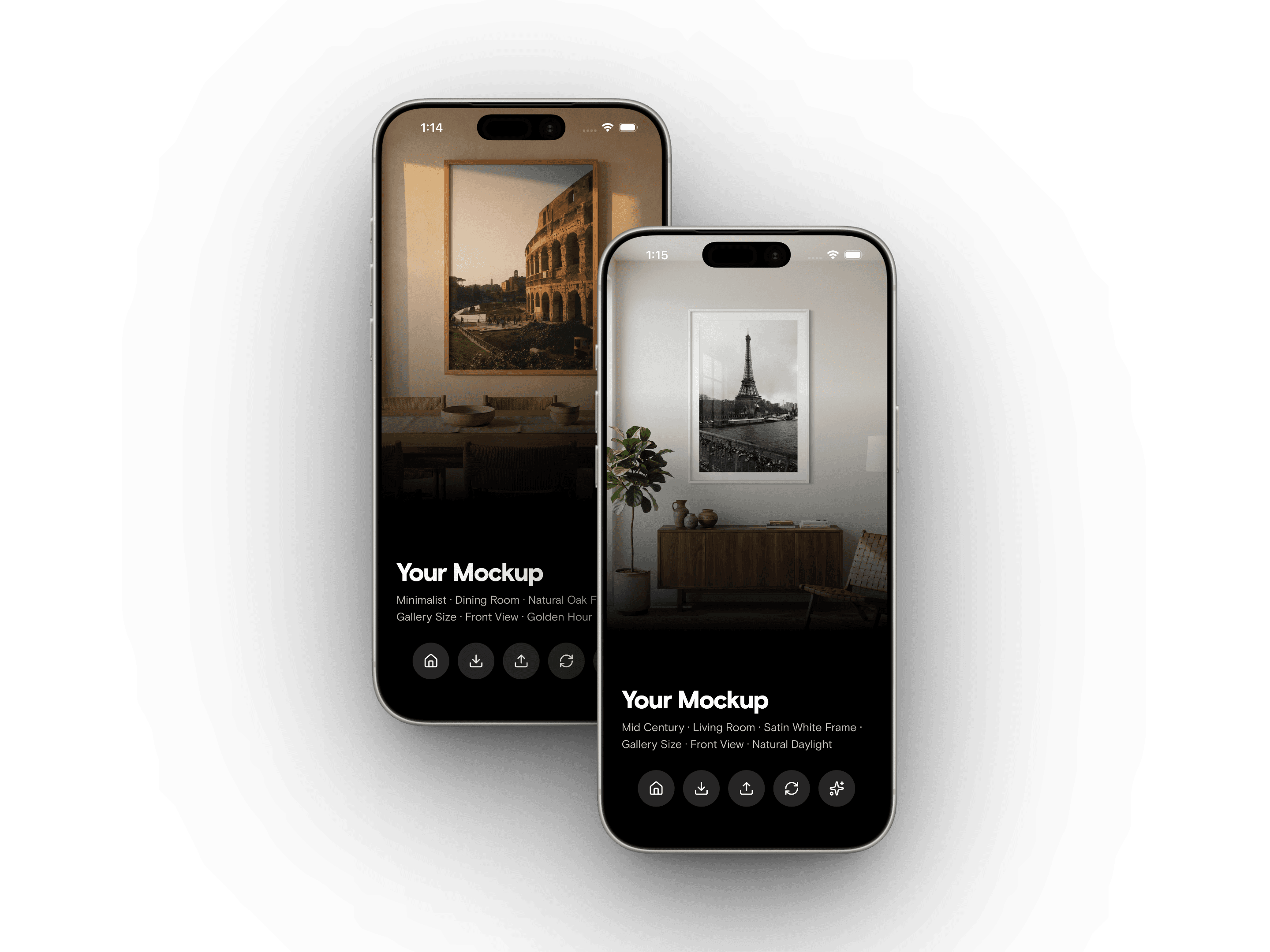
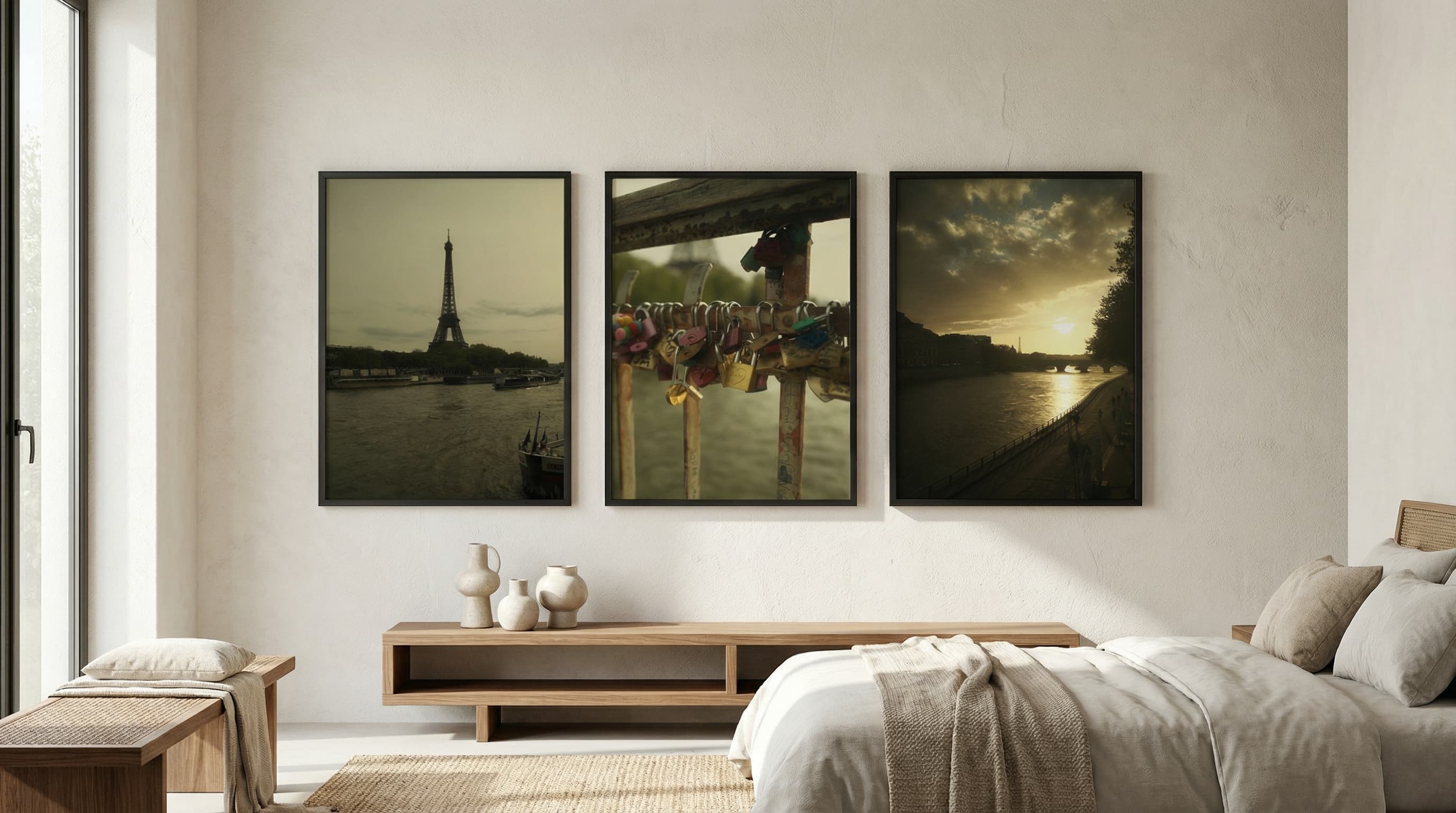
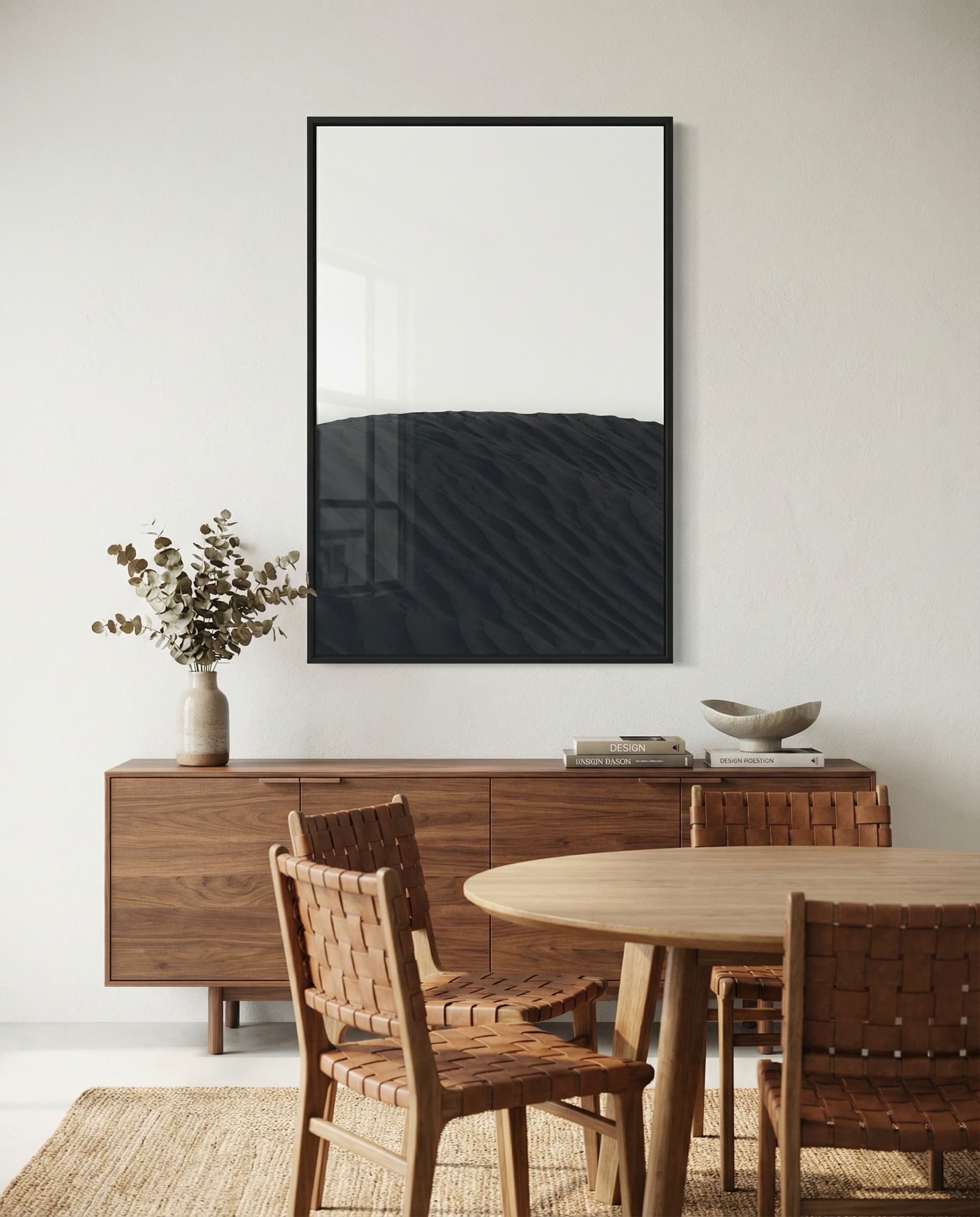
Meet WallStage, the app that turns your artwork into photorealistic wall mockups. Choose a room, frame your piece, and generate gallery-ready scenes your collectors can picture in their own home. Showcase beautifully, sell confidently.
Transform Your
Artwork
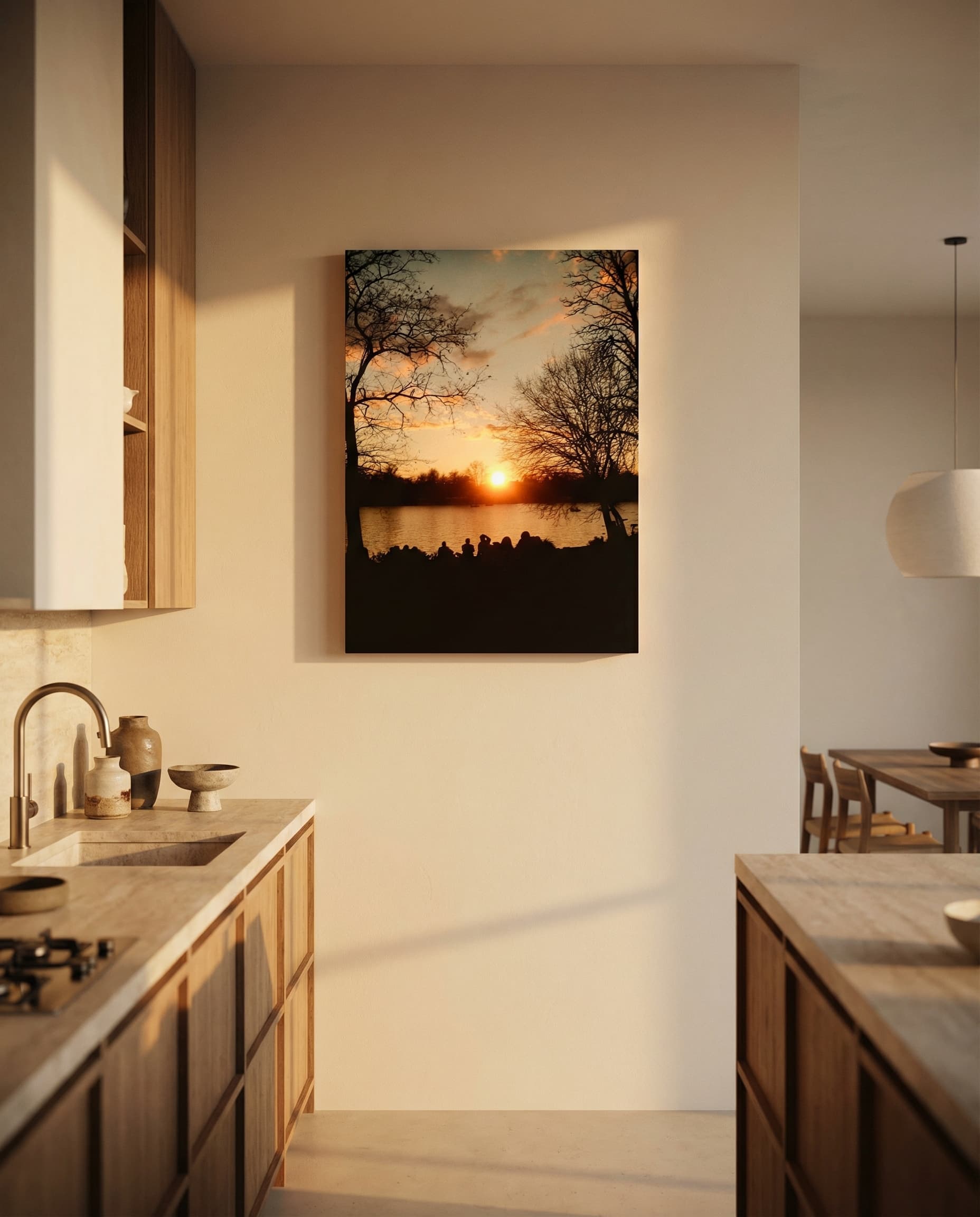
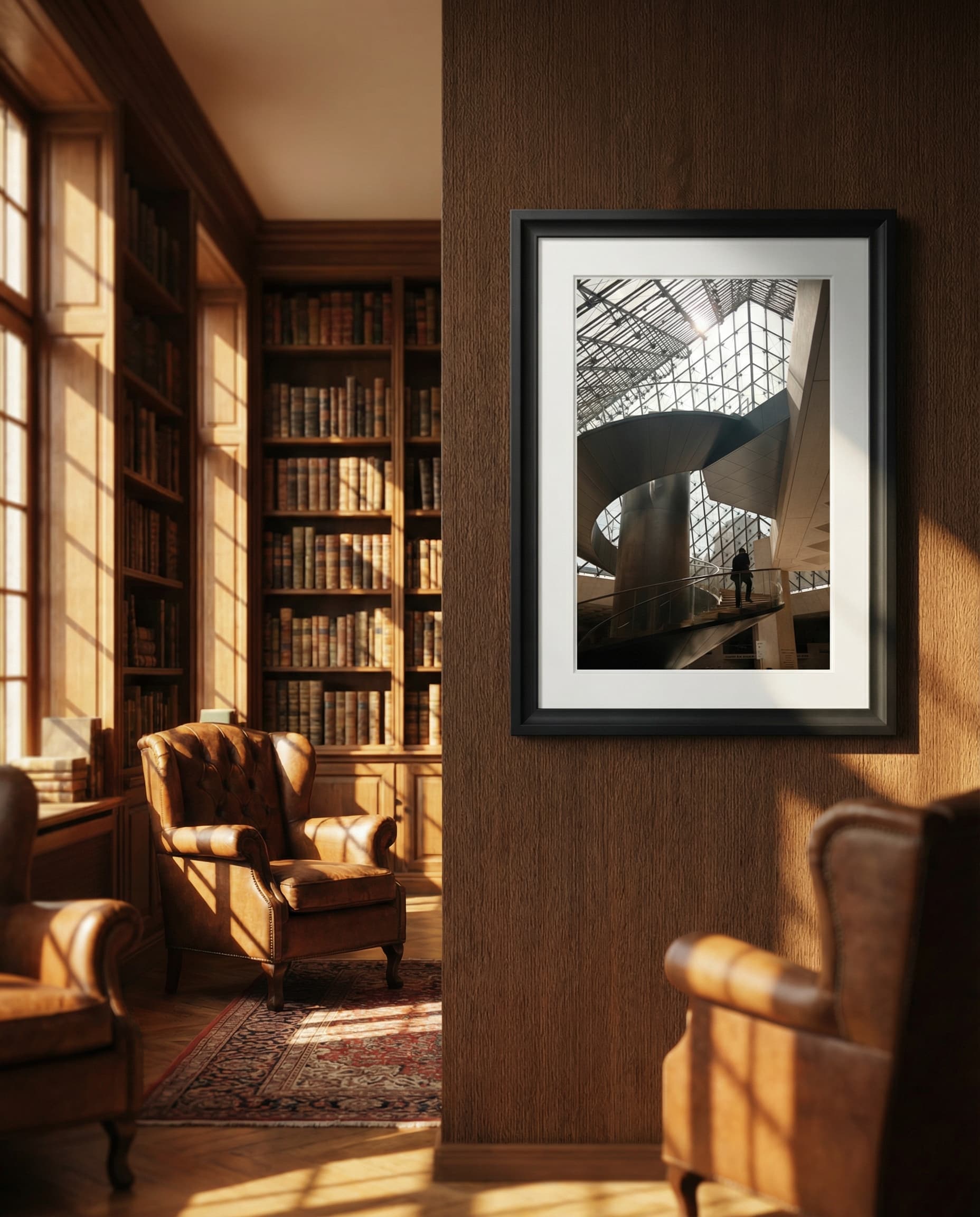
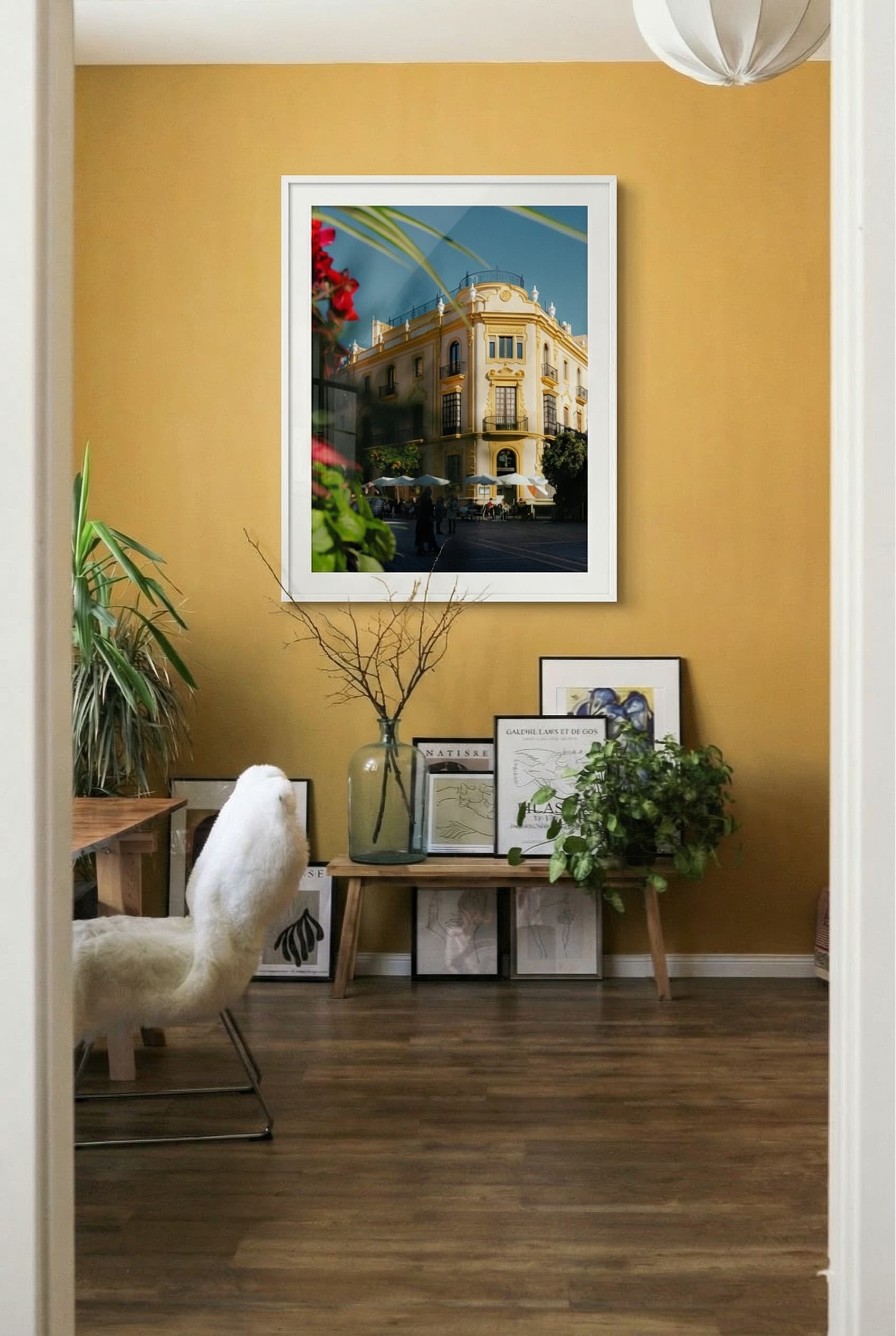
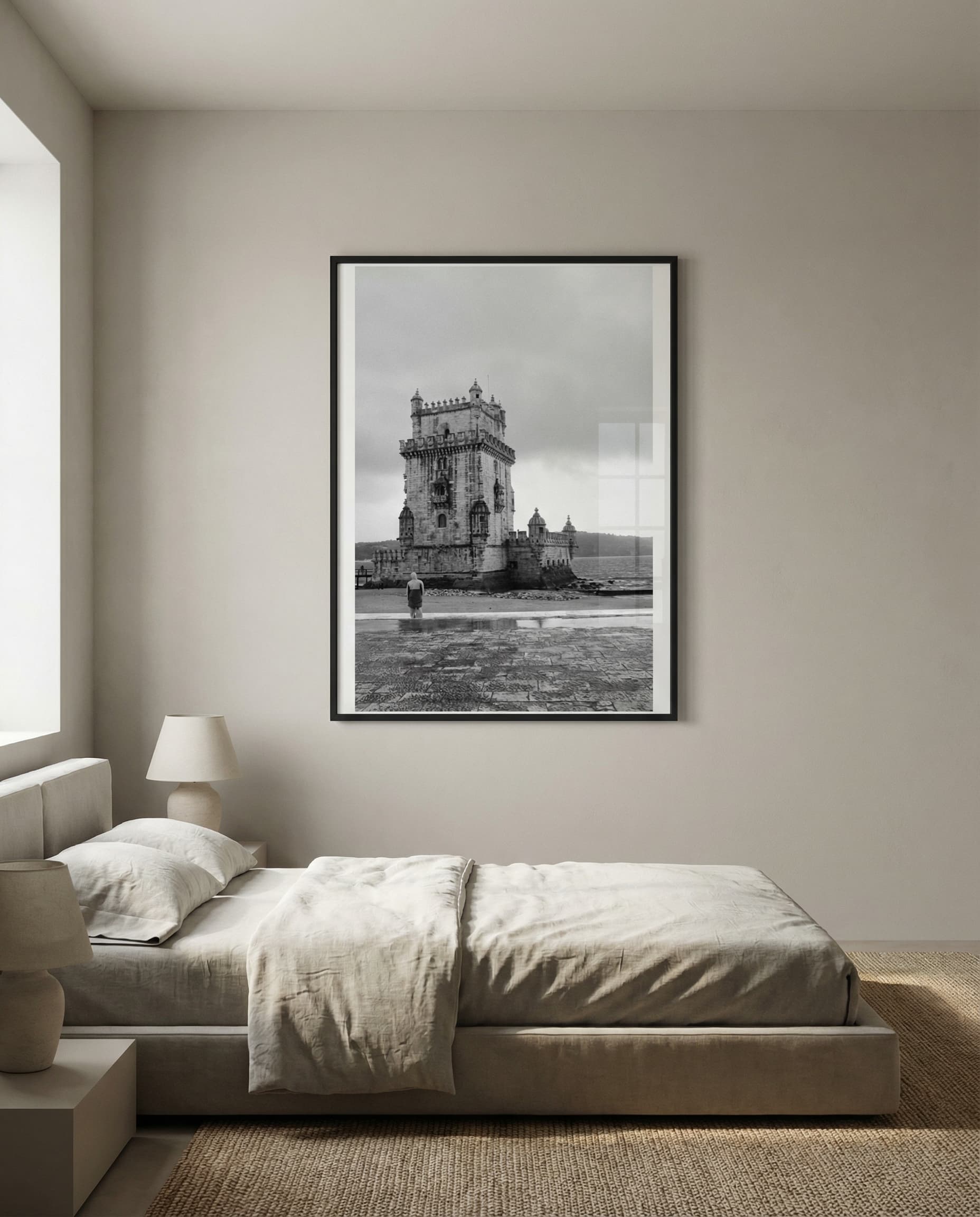
See how WallStage brings your art to life in stunning room settings across different styles and spaces.
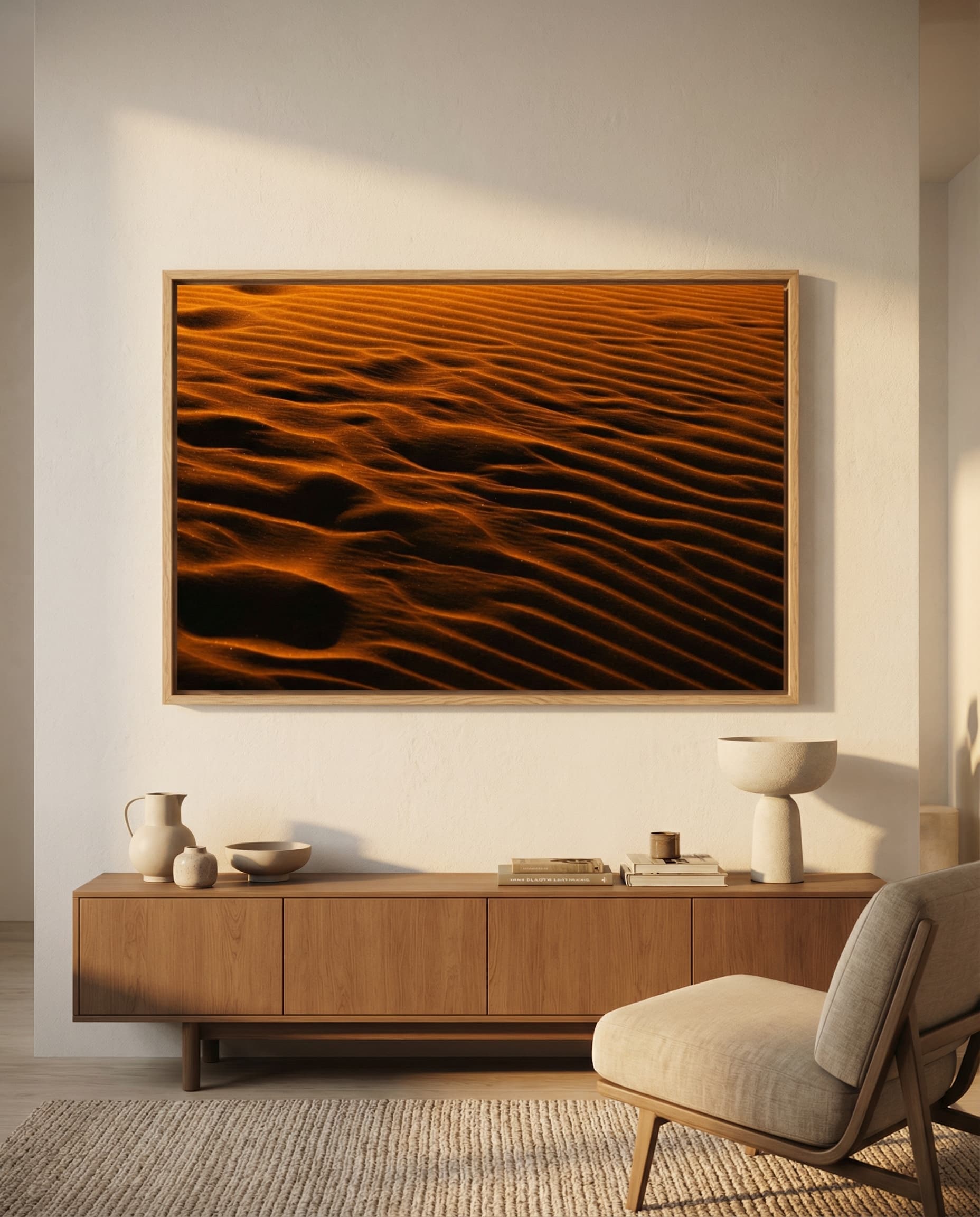
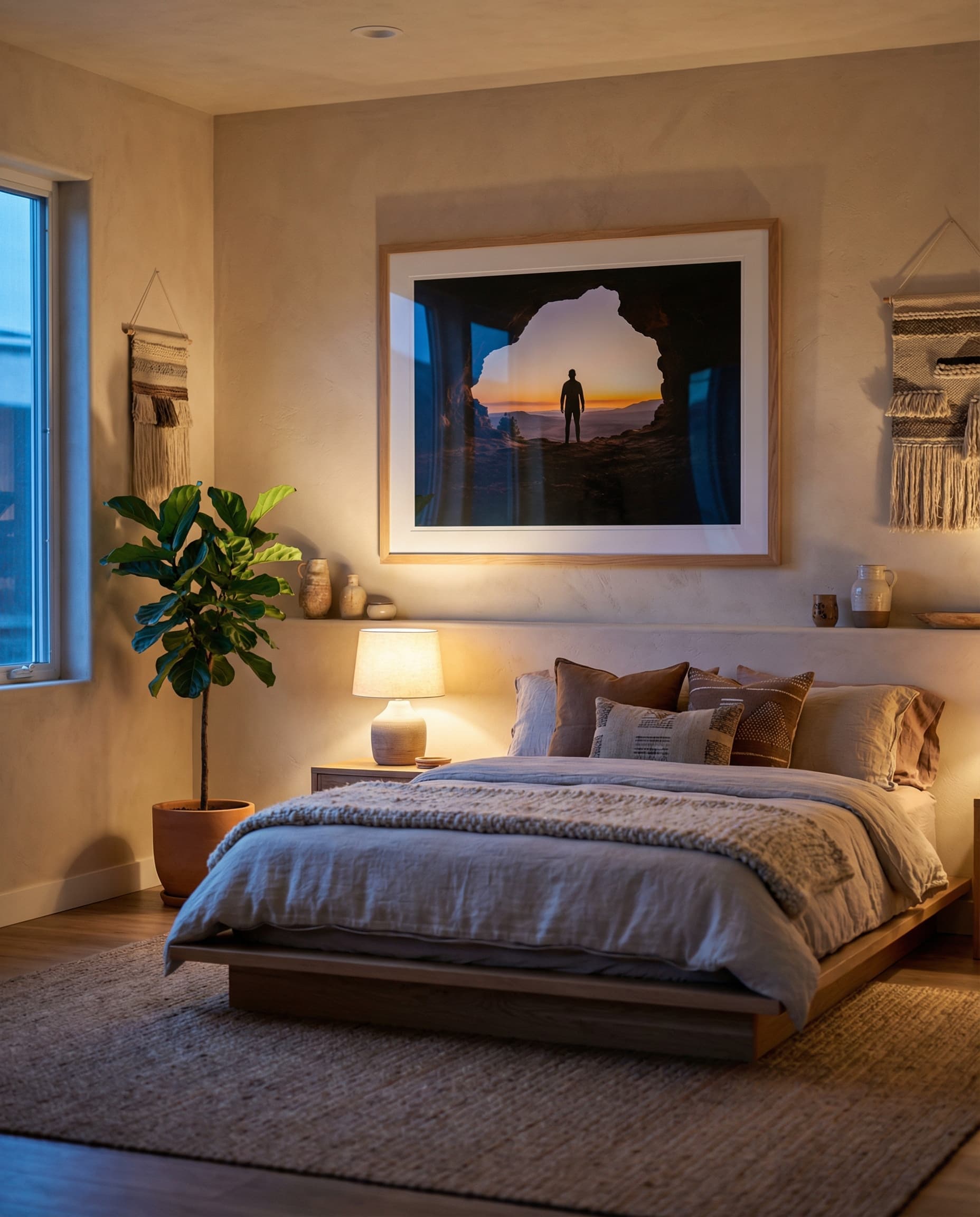
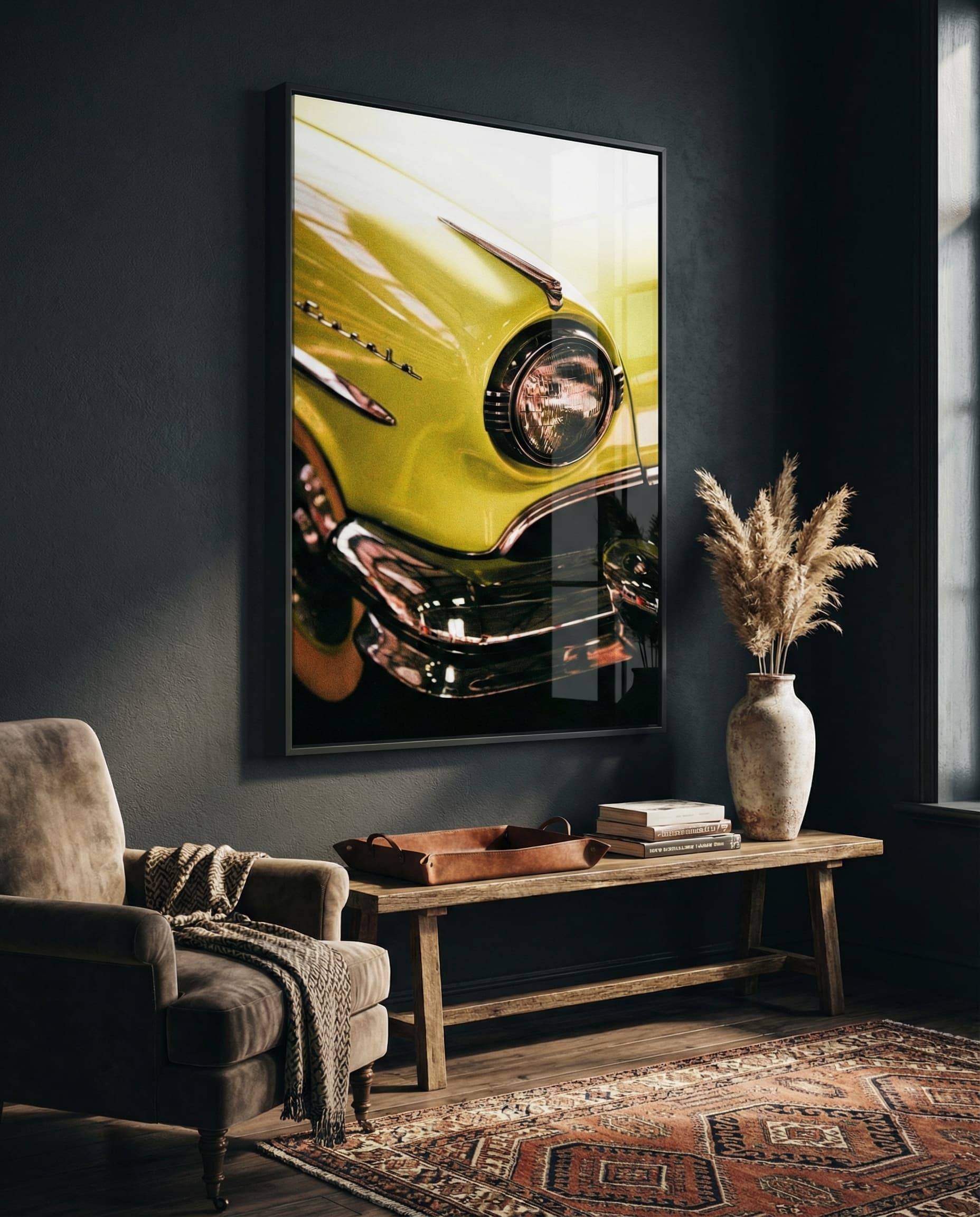


Swipe or use arrows to explore more examples
From Studio to Sale
The most intuitive way to showcase your creative vision.
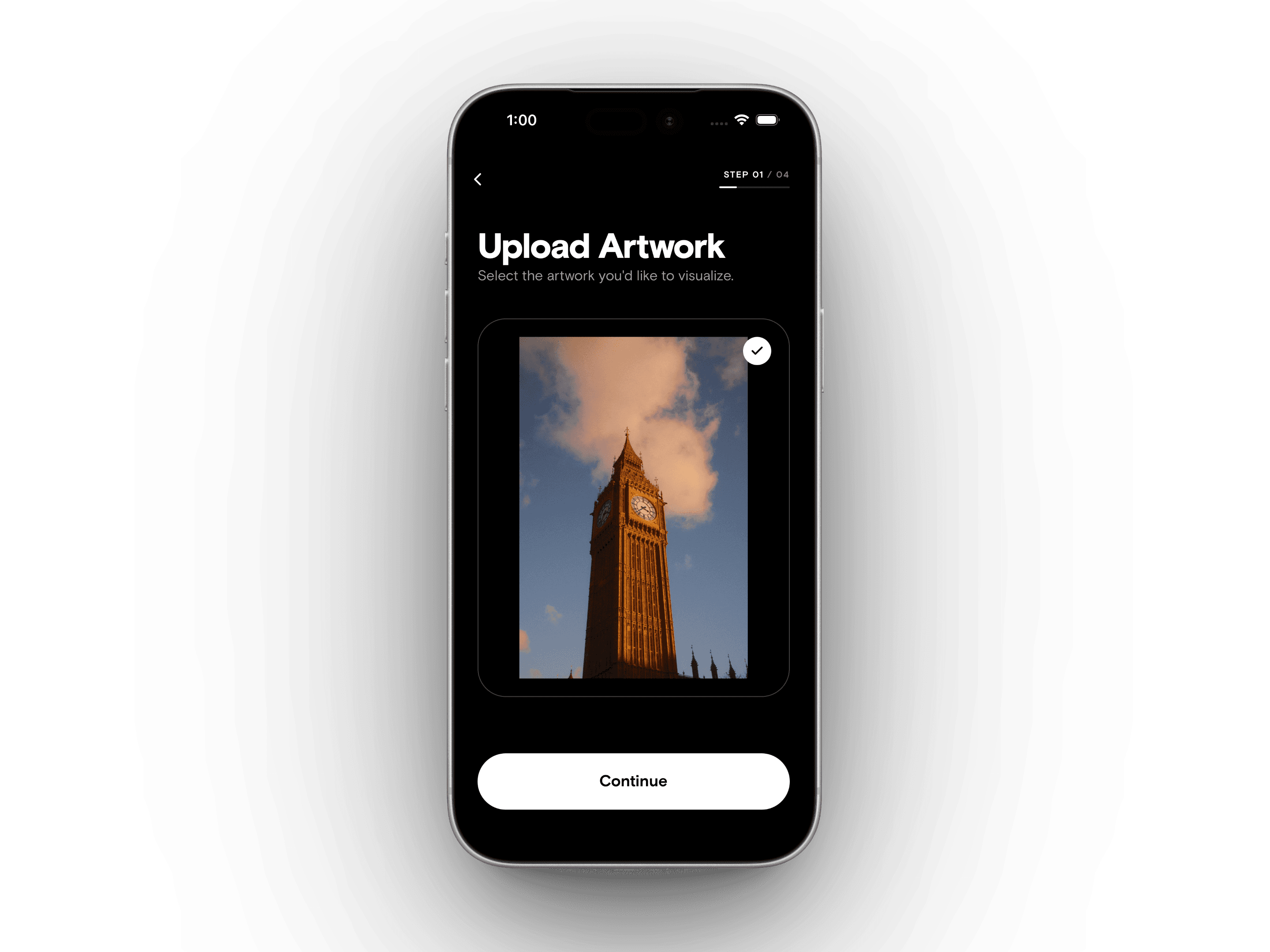
Start with your art.
Upload your work directly from your library. Our engine preserves every brushstroke and texture, ensuring your digital art looks like a physical masterpiece.
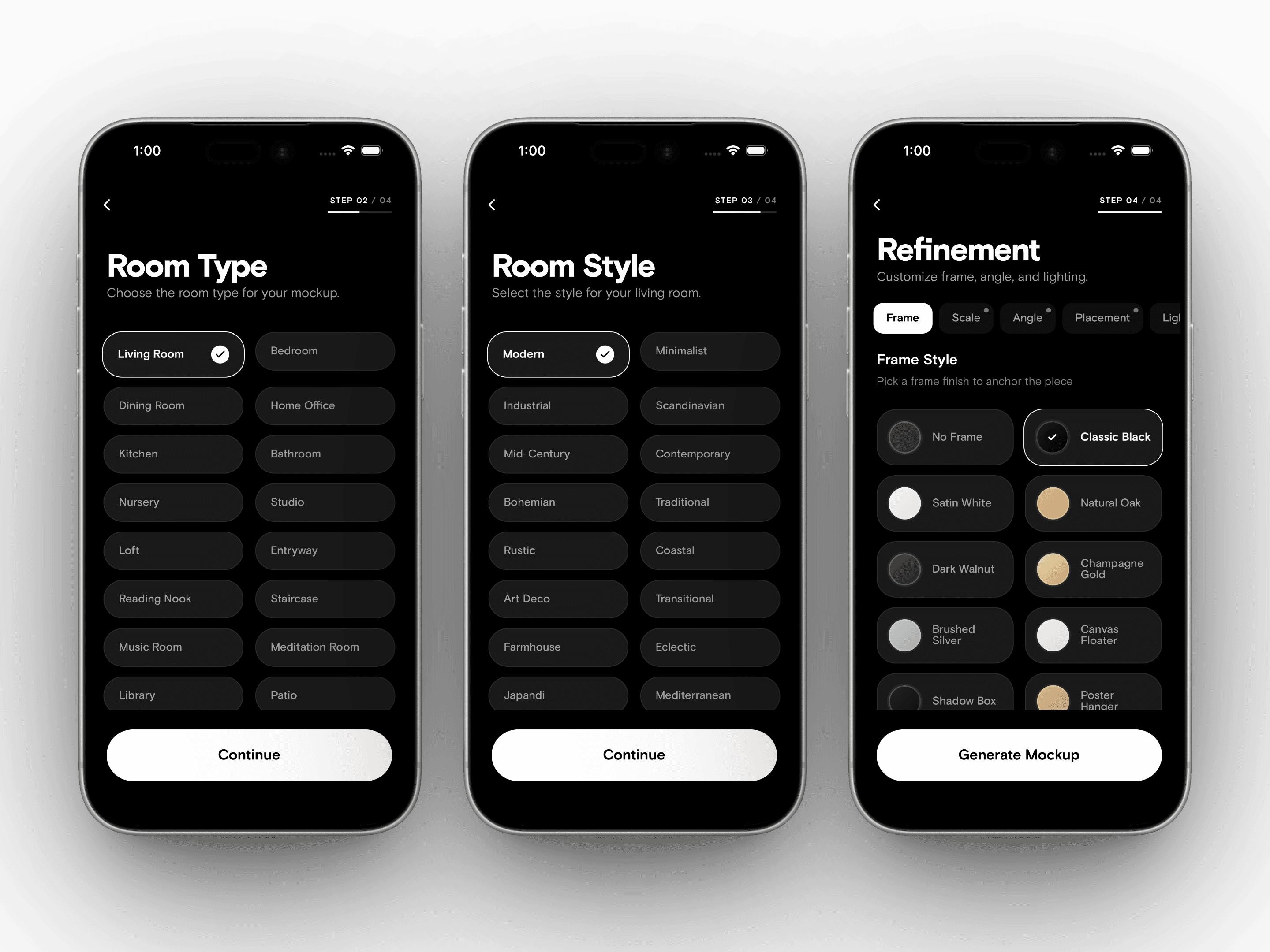
Curate the atmosphere.
Set the perfect mood with complete creative control. Mix and match lighting atmospheres, premium frame finishes, artwork scale, and gallery layouts to build a scene that speaks to your collectors.
Export and sell.
Get high-resolution, photorealistic mockups in seconds. Save them for your portfolio or share them directly to Instagram and Etsy to start turning interest into sales.
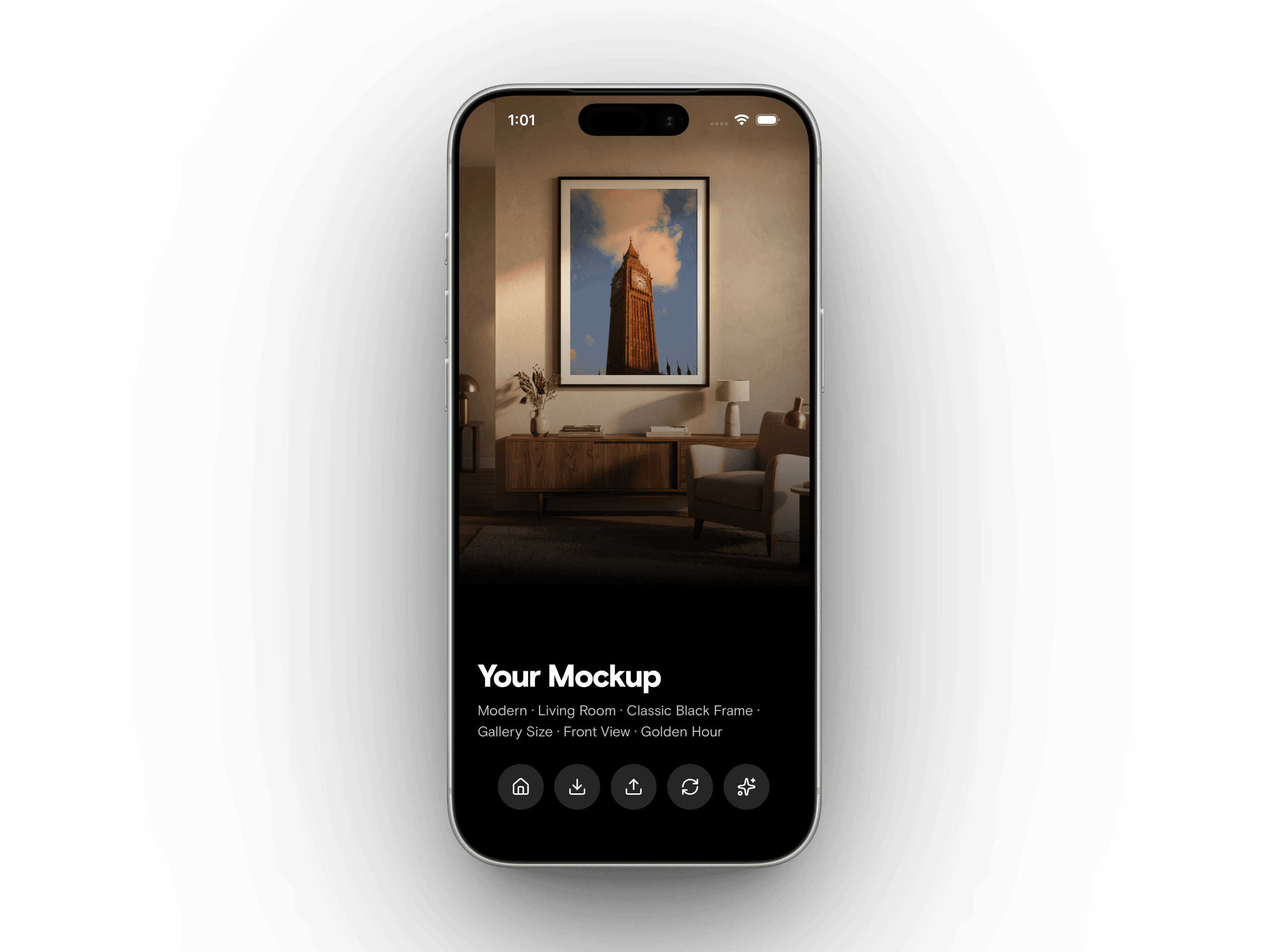
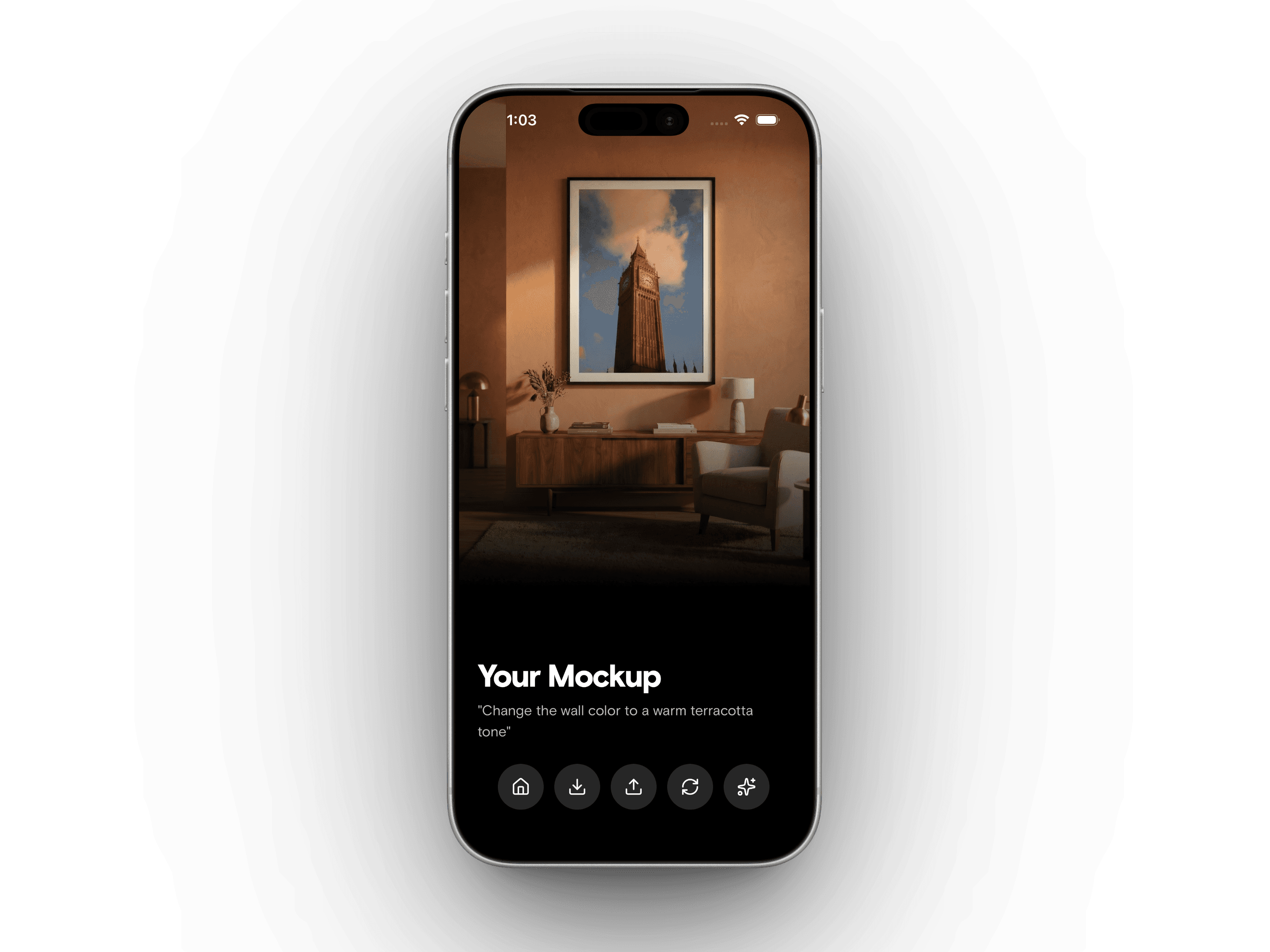
Refine the details.
Love the mockup but want to tweak the scene? Touch up lets you make quick edits—change a wall color, add a plant, swap the flooring—without regenerating from scratch. Your artwork stays perfect while the room evolves around it.
THE TOOLKIT
Built for the modern artist.
Over 20 million possible combinations of rooms, styles, frames, lighting, and layouts—all generated in seconds.
The Instant Studio
Turn a flat file into a physical experience. Choose from curated room styles, premium frames, and artwork scales—from subtle accent pieces to statement walls—designed to make your work look like it belongs in a collector's home.
Curated Galleries
Upload multiple pieces and let WallStage arrange them into balanced, professional gallery walls. Perfect for cohesive series.
Imagine Anything
Describe your dream space. From a sun-drenched Miami penthouse to a dark industrial loft, our AI builds the stage for you.
In Your Space
Show collectors exactly how it fits. Snap a photo of any room and instantly hang your artwork on their specific wall.
Smart Templates
Already have a favorite mockup file? Import your own templates and swap your art in and out with one tap.
Touch Up
Fine-tune your mockups after the fact. Change a wall color, add a plant, swap the flooring—small edits that make the scene yours.
Give your artwork the
stage it deserves.
Join thousands of artists creating realistic, high-end mockups that help turn followers into buyers.